THRILLED TO HAVE YOU HERE!
Are you ready to capture your own engagement magic right from your iPhone? With today’s technology, creating memorable engagement photos without a professional photographer is more accessible than ever.
Let's dive into how you can DIY your engagement shoot with just an iPhone and a tripod, ensuring those special moments are snapped in the most magical settings of Wilmington, NC!
Your Toolkit:
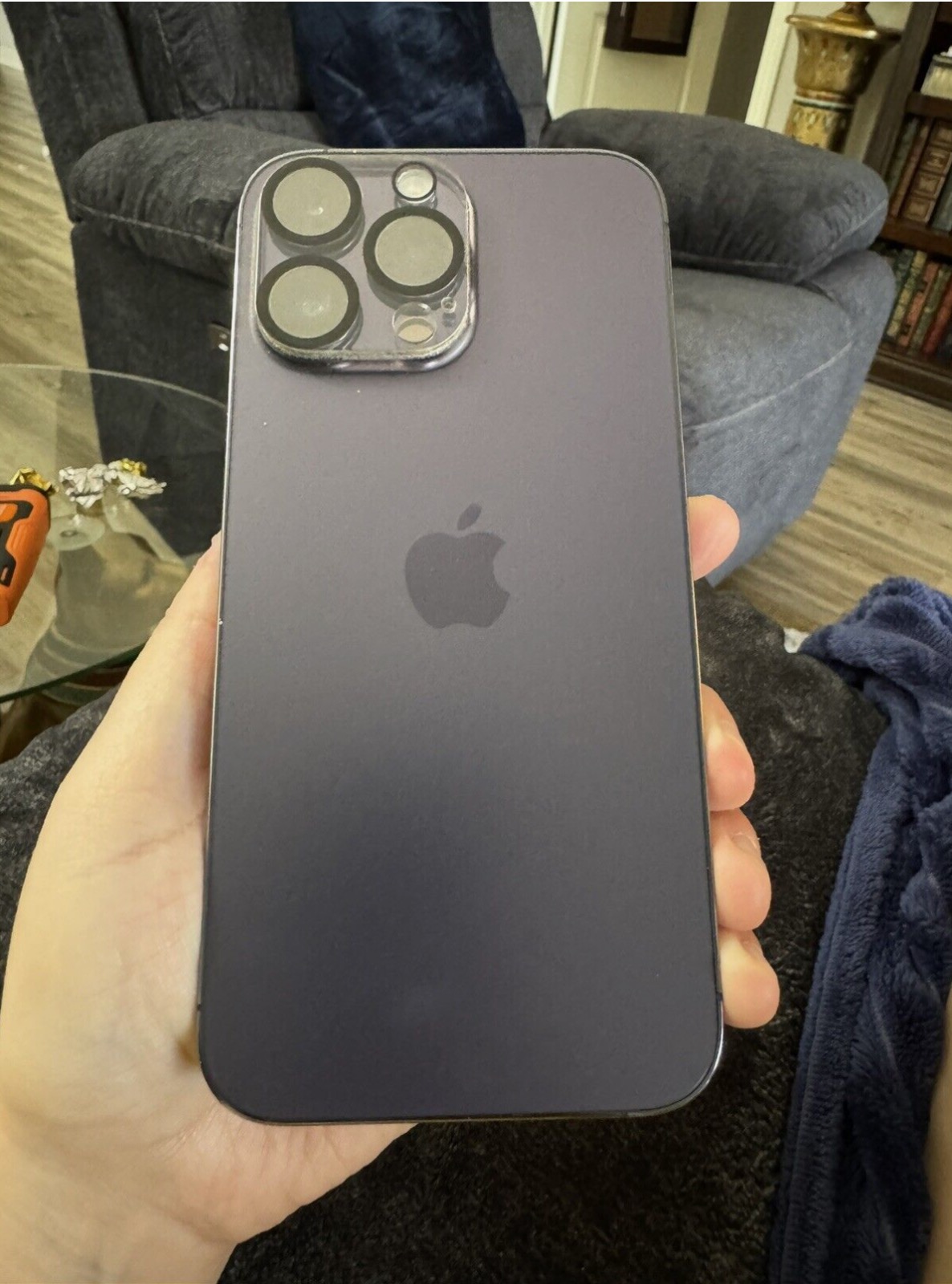
- Smartphone: Most smartphone from 2016 till now are good enough to take high quality photos.
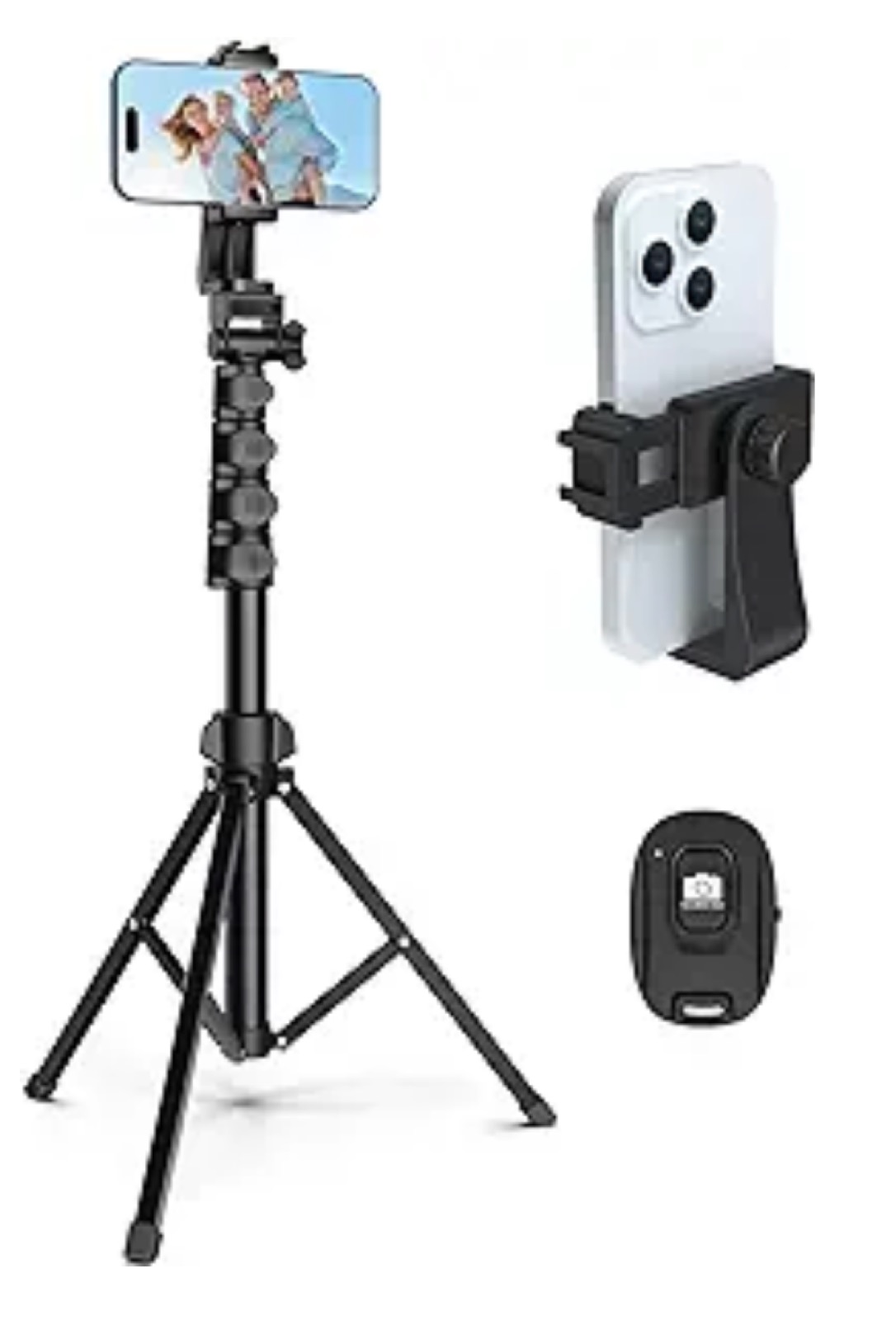
- Tripod: Definitely get a tripod and a clamp for your smartphone
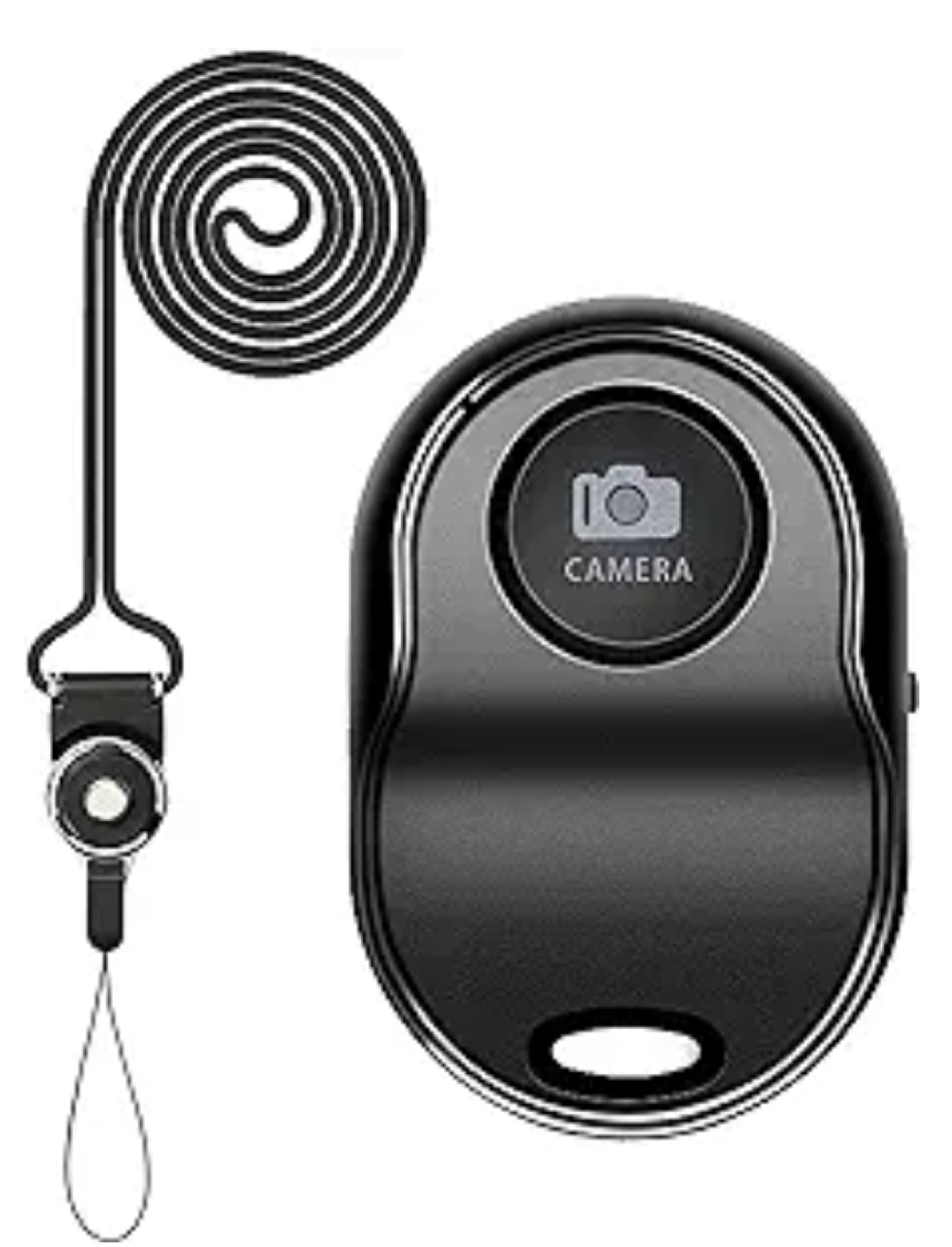
- Remote Shutter: Buy a Bluetooth remote shutter for iPhones. This will let you snap pictures without touching your phone, avoiding shakes and enabling more natural poses.
STEP 1
BUY A CAMERA OR USE YOUR SMARTPHONE
STEP 2
find a location
- Opt for contrasting colors against green backgrounds or neutral tones if you're shooting in urban areas.
- Comfort is key! Choose outfits that not only look good but also allow you to move freely.
STEP 3
What to wear
Timing is Everything:
- Aim for the golden hour, the hour after sunrise or before sunset, for the most flattering natural light.
- Use your iPhone’s portrait mode to blur the background and focus sharply on you and your partner, creating a professional depth-of-field effect.
Composition Tips:
- Experiment with different angles and heights. Place your tripod at varying levels to see what looks best.
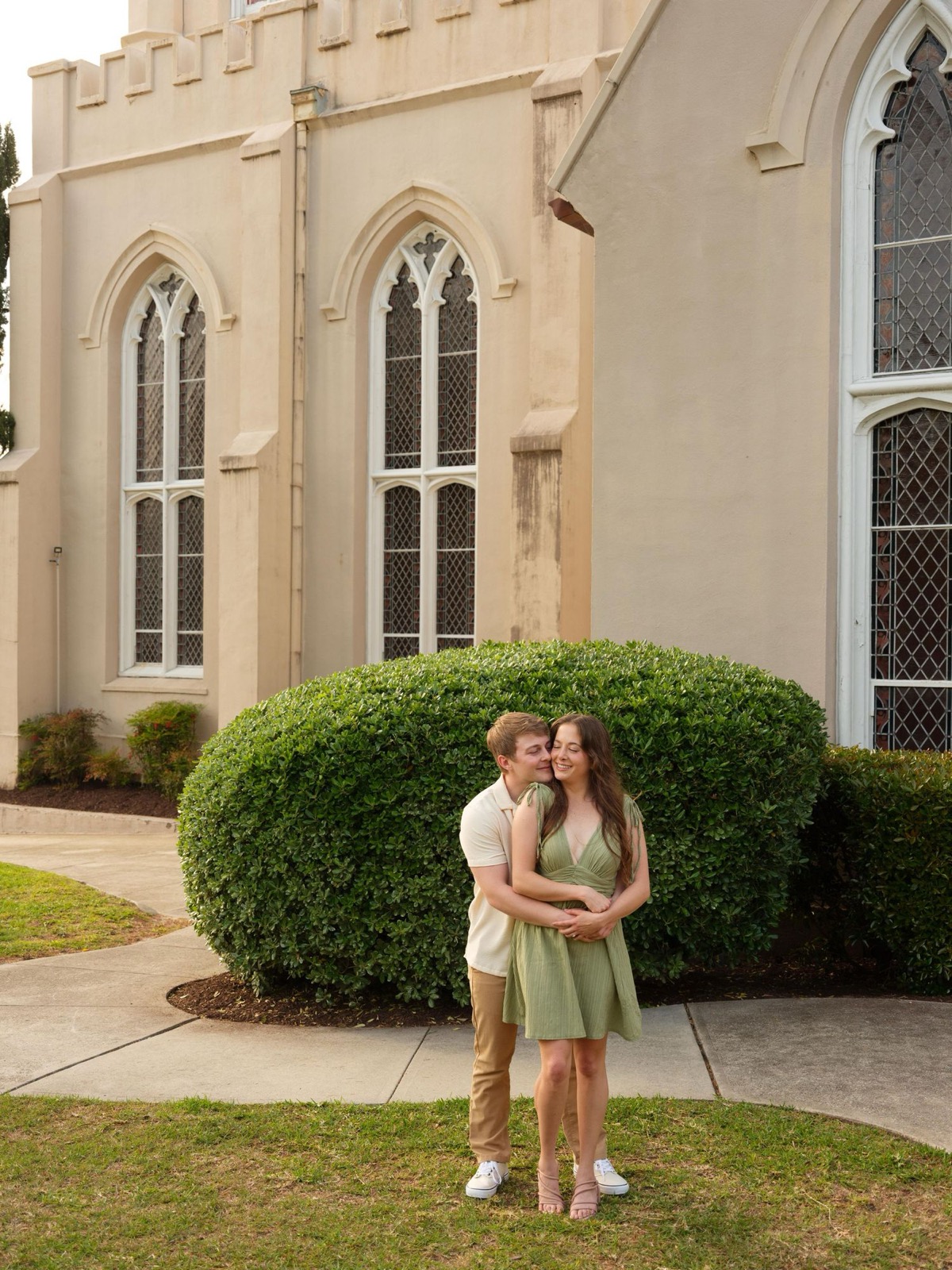
- Include elements of the environment in your shots. Frame yourselves under arches, between trees, or against textured walls for added depth.
STEP 4
Set up your shoot
- Start with Posed Photos: Use classic poses as well as candid moments of laughter or affection.
- Switch Roles: Take turns with the remote shutter to capture each other’s natural reactions and expressions.
- Include Props: Bring along items that mean something to both of you — perhaps a book you both love or a keepsake from your first date.
STEP 5
CAPTURE A VARIETY OF SHOTS
Utilize apps like Lightroom Mobile or VSCO for professional-level photo editing right from your phone. Play with filters, adjust lighting, and enhance colors to bring out the best in your shots.
STEP 6
Edit your photos
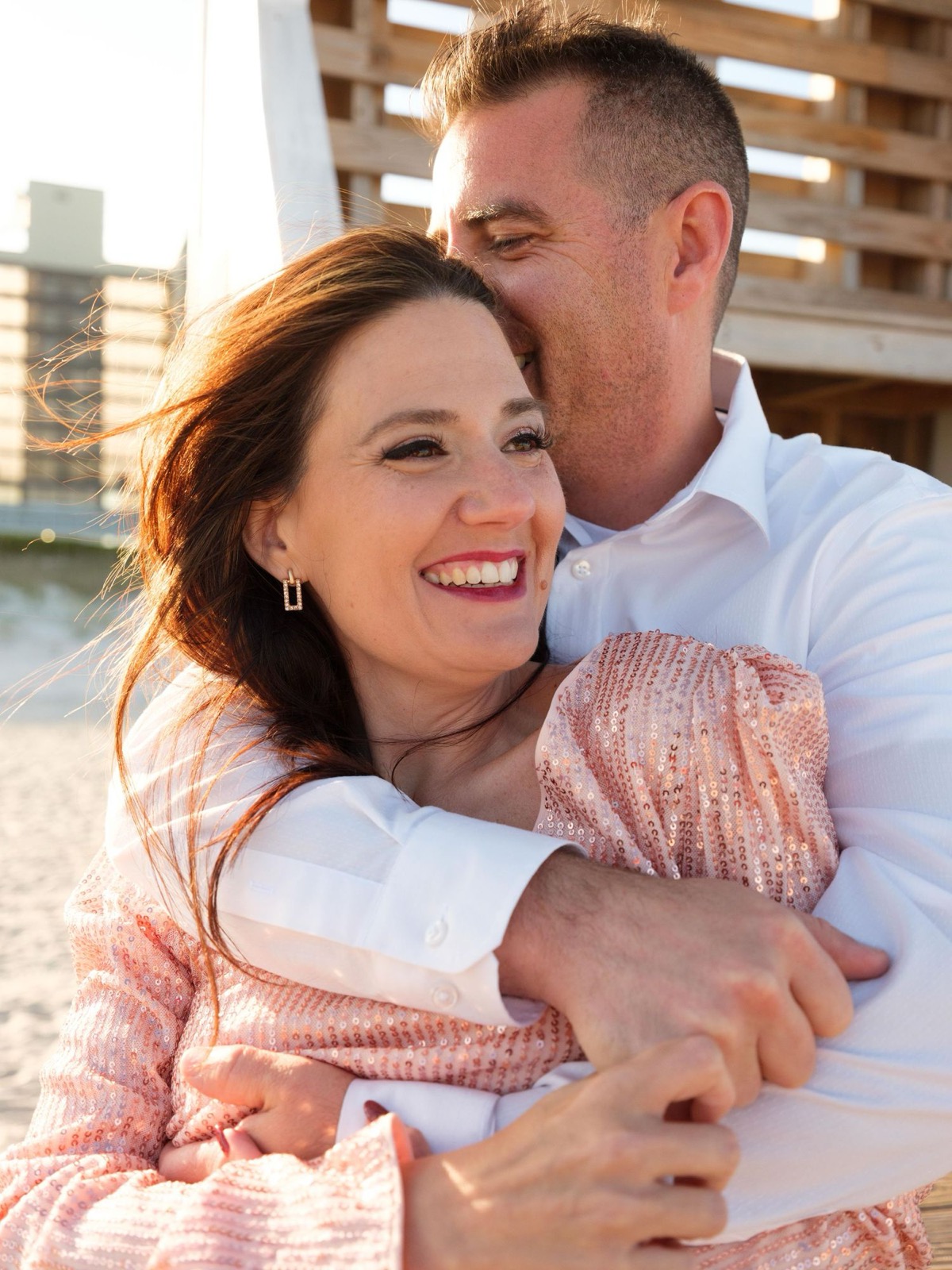
Planning your engagement session?
Tell me what you have in mind. We’ll find a session or custom option that fits.